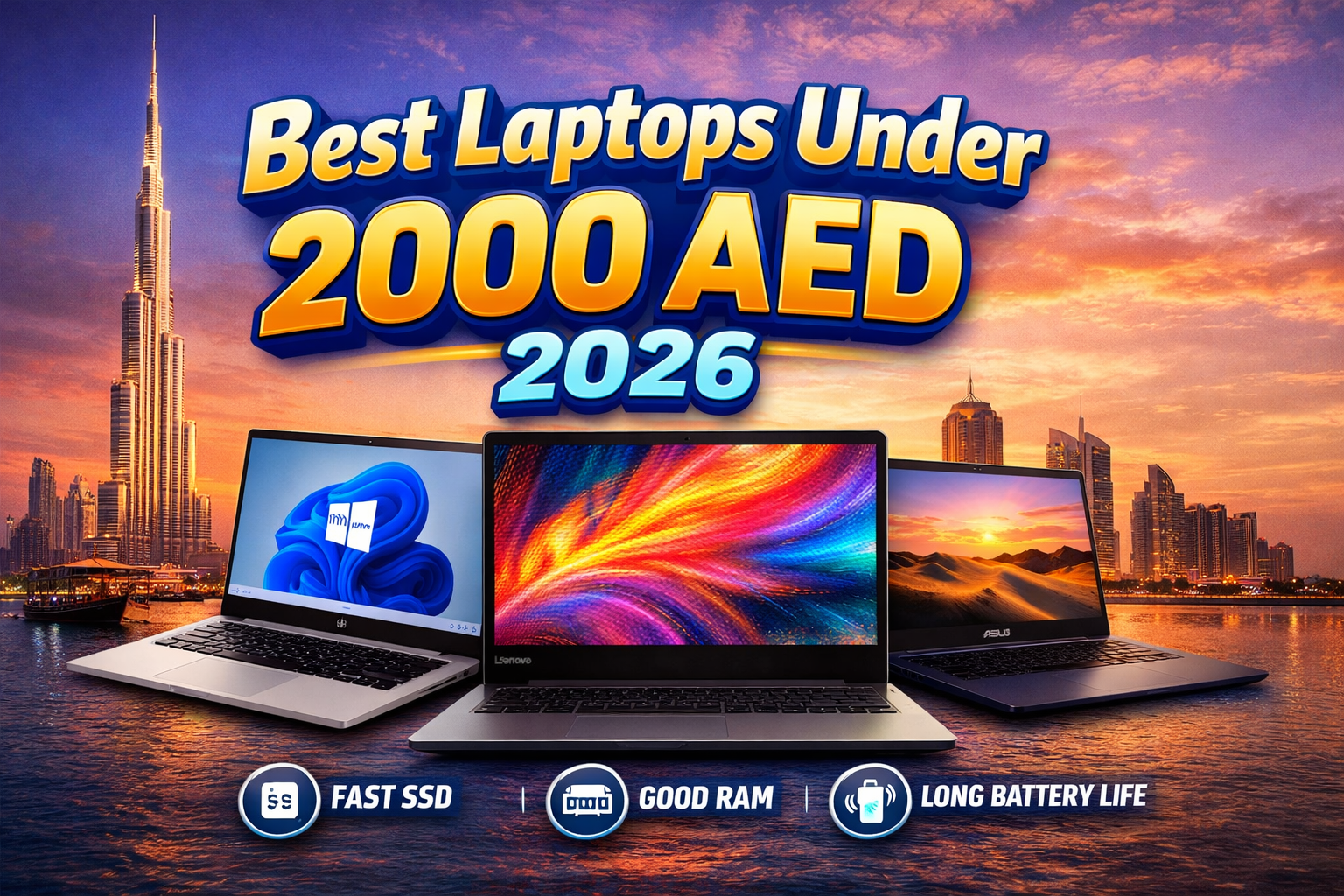
Here’s the secret: for most people, 90% of a budget laptop’s day-to-day performance comes down to just three things. In practice, the rest is often just noise designed to make less expensive models seem more complicated than they are. Understanding these three key features is the trick to finding a fantastic, fast-feeling machine without breaking your 2000 AED budget.
This budget laptop buying guide for the UAE avoids long lists of specifications by focusing on a simple 3-point checklist. We’ll break down exactly what to look for—in plain English—so you can instantly tell the difference between a great deal and a dud. Forget the jargon; focus only on what makes a laptop feel responsive for your everyday tasks. Our goal is to arm you with the confidence to walk away with the best laptop under 2000 AED for your needs—a smart purchase you’ll be happy with for years to come.
The #1 Secret to a Fast-Feeling Laptop: Why an SSD Is Non-Negotiable
The single most important piece of advice is this: your new laptop must have a Solid State Drive (SSD). Ever felt that frustrating lag when you turn on a computer, waiting minutes just to get to your desktop? That slowness is almost always caused by an old-fashioned Hard Disk Drive (HDD). An SSD is the modern replacement, and it’s the single biggest factor that makes a laptop feel quick and responsive in daily use.
Think of it like this: an old HDD is a giant, physical library where a mechanical arm has to search for your files. An SSD, on the other hand, is like having a digital assistant that finds what you need instantly. This difference is not small. A laptop with an SSD can start up in under 20 seconds and open programs in a snap. A laptop with an HDD might take over a minute to do the same thing, a delay you’ll notice every single time you use it.
When you’re shopping, you might see a choice between a laptop with a small 256GB SSD and one with a huge 1000GB HDD for the same price. Always choose the SSD. You can easily use an external drive or cloud storage for extra files, but you can never get back the time you waste waiting for a slow computer to catch up. A true value-for-money laptop prioritizes speed where it counts.
Is 8GB of RAM Enough? Decoding Your Laptop’s Multitasking Power
While an SSD ensures a fast startup, keeping your laptop running smoothly once it’s on is the job of its RAM (Random Access Memory). The easiest way to think of RAM is as your laptop’s virtual desk space. It’s the temporary area where you keep everything you are actively working on, like your web browser, your documents, and your music player.
In the under 2000 AED range, you’ll typically see laptops with either 4GB or 8GB of RAM. A laptop with 4GB is like having a very small desk; it’s fine if you’re only doing one thing at a time. But as soon as you open several browser tabs, stream a video, or join an online class, that small desk gets cluttered and the whole system slows down. This is why 8GB of RAM is the new standard for a frustration-free experience.
Choosing 8GB is also a smart way to future-proof your purchase. Websites and applications become more demanding over time, so a laptop with only 4GB of RAM will start to feel sluggish much sooner. Whether it’s for a university student in Dubai juggling research and online lectures or for affordable remote work, having that extra “desk space” ensures your laptop can keep up with your needs not just today, but for years to come.
Simply put, an SSD makes your laptop feel fast when starting up, and 8GB of RAM makes it feel fast while you’re actually using it. With your storage and memory sorted, the final piece of the performance puzzle is the processor itself.
Decoding the ‘Brain’: Is an Intel Core i3 or Ryzen 3 Better for You?
If RAM is your desk space, the CPU (Central Processing Unit) is the brain doing all the thinking. This is the core engine of your laptop, determining how quickly it handles everything from opening an app to streaming a video. A better processor means a snappier, more responsive computer that keeps up with you, not the other way around.
In this budget, you’ll mainly see processors from two companies: Intel and AMD. For a smooth experience, aim for a laptop with either an Intel Core i3 or an AMD Ryzen 3 processor. Don’t worry too much about the Intel Core i3 vs Ryzen 3 performance debate; think of them as two equally capable engines from reliable brands. You can’t go wrong with either for daily browsing, schoolwork, and video calls.
Here’s the most important tip: be cautious of laptops with an Intel Celeron processor. While they bring the price down, these are very basic chips that can struggle with modern tasks. A Celeron-powered laptop will often feel slow even with just a few browser tabs open, leading to frustrating lag. For a reliable purchase under 2000 AED, confirming the laptop has a Core i3 or Ryzen 3 is your best guarantee of good performance.
Beyond the ‘Big 3’: What to Know About Screen, Battery, and Build Quality
While the processor, RAM, and storage determine your laptop’s speed, a few other details determine how much you’ll enjoy using it every day. The most important of these is the screen. Many budget laptops come with a standard HD screen, which is fine. However, if you find a laptop with a Full HD (FHD or 1080p) display, grab it. The difference is immediately noticeable—text looks sharper, and videos on Netflix and YouTube are much clearer and more vibrant.
A powerful laptop isn’t much use if it’s always tied to the wall. To find the best budget laptop for battery life, look for models that advertise at least 6 to 8 hours of use. Keep in mind this is an ideal number; for real-world tasks like video calls and web browsing, this usually means you’ll get a solid 4 to 5 hours away from the charger, which is enough for a few classes or a work session at a coffee shop.
Beyond the specs, think about the daily experience. You’ll be typing on the keyboard for hours, so a comfortable, responsive one makes a huge difference for work or school assignments. Similarly, with online meetings and classes being so common, a clear built-in webcam is no longer just a bonus—it’s a necessity. A sturdy and lightweight laptop for travel under 2000 AED is also a huge plus if you plan on carrying it around often.
These features are what separate a decent laptop from a great one. A fast SSD gets you working quickly, but a sharp screen and comfortable keyboard are what make that work pleasant.
Our Top Laptop Picks Under 2000 AED for 2026
To put that knowledge to use, we’ve sifted through dozens of options to find models that consistently offer the best value. Each recommendation below hits the sweet spot of modern, fast parts while staying within your 2000 AED budget.
The Best Laptops Under 2000 AED 2026 aren’t just about affordability; they’re about smart value. Whether you need a laptop for online classes, remote work, browsing, or streaming, these models fit your budget.They also handle basic tasks like Microsoft Office with dependable performance.
Keep an eye out for these excellent models during your search:
- Lenovo IdeaPad 3: Often the value champion, frequently found with an SSD and sometimes even a Full HD screen.
- HP 15-series: A reliable and widely available all-rounder that’s great for family and school use.
- Dell Inspiron 15 3000: A solid choice with a reputation for a sturdy build and a comfortable keyboard.
- HP ZBook 15 G6 15.6 Mobile Workstation: Intel Core I7 16Gb Ram 1Tb Hdd 9Th Gen
What makes these the best laptop under 2000 aed choices? It’s not about brand loyalty when comparing HP vs Dell laptops budget range; it’s because you can reliably find configurations of these models with a fast SSD and 8GB of RAM. Check for deals at major retailers like Amazon.ae, Carrefour, AG Laptops. Whether you’re looking for where to buy cheap laptops in Sharjah or ordering online, these models are your best bet.
One crucial tip before you buy: The exact specifications for these models can vary. When you find one, always confirm that the specific version you’re buying has an SSD (not an HDD) and 8GB of RAM. This simple check is the secret to getting a fast, reliable laptop that you’ll be happy with for years.
What’s the Best Laptop for YOUR Needs? (Student vs. Work vs. Light Gaming)
Knowing the “what” (SSD, 8GB RAM) is half the battle; the other half is knowing what matters most for you. If you’re looking for an affordable laptop for remote work or one of the best laptops for university students in Dubai, your priority is smooth multitasking. Focus on getting that 8GB of RAM. For long work sessions, a Full HD screen is much easier on the eyes, while students should also keep an eye on battery life to get through a day of classes.
But what if you hope to play a few games? While you won’t find a true gaming laptop under 2000 aed, some choices are better than others. In budget laptops, the graphics that create the visuals for games are built into the main processor. We’ve noticed that laptops with an AMD Ryzen processor often handle simple games like Roblox or Minecraft a little more smoothly. Just don’t expect miracles—you’ll need to keep the game’s quality settings on low for it to be playable.
Ultimately, buying on a budget is about making the right trade-off. You might find a laptop with a brilliant screen but less battery, or one that’s better for light gaming but lacks a bit of multitasking power. By identifying your single most important need—be it all-day battery, a comfortable screen, or a bit of gaming fun—you can confidently pick the model that offers the best value for your specific situation.
Your Final 3-Point Checklist Before You Buy
You can now cut through the confusing technical specifications and spot the three key features that separate a slow machine from a fast, reliable one. Save this simple checklist to your phone and use it to evaluate any deal you see:
- The Must-Have: Does it have an SSD (Solid State Drive)? (If not, walk away).
- The Sweet Spot: Does it have 8GB of RAM? (Aim for this for smooth multitasking).
- The Tie-Breaker: Does it have a Core i3/Ryzen 3 CPU and a Full HD screen? (This confirms it’s a quality machine).
If you find best laptops under 2000 AED meets these criteria, you can buy with confidence, knowing you’ve found a winner.
To enhance your selection, consider the latest models from HP, Lenovo, Dell, and ASUS that offer excellent performance and value. Look for features like SSD storage and long battery life to ensure you get the best experience without overspending.