
Showing all 19 results




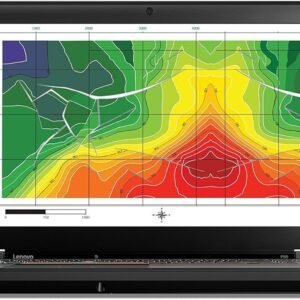
Lenovo Latest Laptop 2026: Specs and Performance
Choosing a new laptop can feel like trying to decipher a secret code. You see names like ‘Core Ultra 7′ and ’16GB LPDDR5x RAM,’ but what do those technical labels mean for you? It’s a common frustration that leaves many people guessing what they’re really paying for.
This guide translates that confusing jargon into clear, practical benefits. We’ll focus on what each feature does in real life. This will help you understand what the new model offers. You can feel confident in your choice. Whether you compare a كمبيوتر لينوفو to other brands or focus on the latest Lenovo laptop, you will find clear answers below.
Will the battery last through your workday? Is the screen bright and colorful enough for movies? Can it handle fifteen browser tabs during a video call without slowing down? These are the real-world questions this article will answer.
What Does the New Lenovo Laptop Feel Like? A Look at Design and Portability
One of the first things you’ll notice about this new Lenovo laptop isn’t on a spec sheet—it’s how it feels in your hands. Weighing in at under 1.2 kg (or about 2.6 lbs), it’s light enough to make you double-check that it’s actually in your backpack. If you’re hunting for a lenovo lightweight laptop (لاب توب لينوفو), this model fits that brief. This isn’t just a number; it’s the difference between a device that’s a burden to carry and a true travel companion. For anyone who moves between classes, coffee shops, or conference rooms, this is a genuine quality-of-life improvement.
That feeling of quality isn’t just about the low weight. The entire body is made of aluminum, which gives it a cool, solid feel that you just don’t get from plastic. It resists the kind of creaks and flex you might find on cheaper models, offering a reassuring sturdiness. This premium build is often found in top-tier Lenovo business laptops. It means the device can handle daily bumps and jostles without worry.
By using a lightweight frame and a durable metal shell, Lenovo made a machine that is easy to carry. It is also built to last. But a great laptop is more than just its case. Now, let’s open it up and look at the screen.
Is the Screen Good for Movies and Work? Decoding Brightness and Color
Flipping open this Lenovo notebook reveals what might be its best feature: the display. For anyone who loves watching movies or streaming shows, the screen uses OLED technology. Think of it like a high-end TV. Instead of a single backlight that can make dark scenes look a bit gray, each pixel on an OLED screen creates its own light. This means it can turn pixels off to create deep blacks, which makes other colors pop with great vibrancy. Your Netflix shows will look just as the director intended.
Beyond the stunning colors, there’s a practical problem this screen solves: glare. If you’ve ever struggled to see your screen near a bright window, you’ll appreciate its brightness, which is measured in nits. This display is rated at over 400 nits. That means it is bright enough to stay clear in most well-lit rooms. You won’t have to squint or hunt for a shady corner to get your work done.
For everyday tasks, clarity is just as crucial as color. This is where its QHD+ resolution comes in. It simply means the screen is packed with more pixels than a standard Full HD display. The immediate benefit is that website and document text looks sharp. This can reduce eye strain during long work sessions.
Here’s what this tech means for you:
- OLED: For perfect blacks and vibrant colors (great for movies).
- 400+ Nits Brightness: For easily seeing your screen in bright rooms.
- QHD+ Resolution: For extra-sharp text and detailed images.
A brilliant display is a big part of what makes a premium laptop feel special. It also puts it in direct competition with other top models like the Dell XPS. But a screen this good needs a powerful engine to run everything smoothly.
What Is an Intel Core Ultra Processor? The Laptop’s ‘Smarter’ Brain
Powering that beautiful screen is the laptop’s engine: its processor. You probably know this as the computer’s “brain,” and for years, you’ve seen names like Intel Core i7. These new Lenovo laptops with Intel Core Ultra are the next step up. While they are certainly fast, the biggest upgrade isn’t just about raw speed—it’s about getting smarter with power.
The big change inside these new chips is the addition of a tiny, dedicated helper. Think of the main processor as a busy CEO. In older laptops, that CEO had to handle every single task. Now, Core Ultra processors give the CEO a specialized assistant.It is a low-power AI chip called a Neural Processing Unit (NPU).
This is where you feel the real-world benefit. Imagine you’re on a video call with your background blurred. On an older laptop, that simple effect makes the main brain work hard, which drains your battery. With this new design, the efficient NPU helper takes over that task, sipping power instead of gulping it. This keeps your main brain free to run other programs. It helps the whole system run smoother. It also lasts longer without a wall outlet.
The advantage of a Core Ultra chip over a traditional one is not just speed. It is also how well it manages energy. The laptop is faster when it needs to be and saves power when it can, giving you a better experience all day.
Configurations range from a Lenovo Core i5 laptop to Core i7 and notebook i7 options. These suit heavier workflows. Lenovo i7 laptop price varies by memory and storage.
How Much RAM Do You Actually Need? From 8GB to 32GB Explained
Think of RAM (Random Access Memory) as your laptop’s digital desk space. Every application you open, from a browser tab to a music app, takes up a spot on this desk. If your desk is too small, things get cluttered, and your computer has to constantly shuffle programs around to make room. This is what causes frustrating lag when you’re trying to multitask.
For years, 8GB of RAM was considered plenty, but modern applications and websites are more demanding. Today, 16GB is the new sweet spot for most people. It provides a large, comfortable workspace. You can keep dozens of browser tabs open. You can stream video and join a video call at the same time. Your system stays fast. It’s the ideal amount for a smooth, frustration-free experience.
To make the right choice, match the RAM to your daily habits:
- For students and light users (web browsing, documents, streaming): 8GB works, but 16GB is a smart upgrade. It helps with future use.
- For most professionals (heavy multitasking, large spreadsheets, frequent video calls): 16GB is the perfect balance of performance and cost.
- For creators or power users (photo/video editing, programming): A 32GB RAM setup is worth it.
- For example, you could get a Lenovo laptop with 32GB RAM. It helps demanding software run smoothly.
Having enough RAM is key to making your laptop feel fast in day-to-day use. But while RAM is your temporary workspace, you also need a filing cabinet to keep all your files long-term.
What’s an SSD and How Much Storage Is Enough?
If RAM is your desk space, think of your storage drive as the filing cabinet where you keep everything long-term. For years, this was a clunky, slow-moving part. Today, the game has changed thanks to the Solid State Drive, or SSD. An SSD has no moving parts, allowing it to find and open your files almost instantly. It is the main reason modern machines, from the Lenovo IdeaPad to the ThinkPad, boot in seconds. They can also launch apps fast.
So, how big of a filing cabinet do you need? You’ll see storage options listed in gigabytes (GB), with 512GB being the current sweet spot. For most users, this is more than enough space. To put that number in perspective, a 512GB SSD can hold the operating system and essential programs. It can also store over 100,000 photos or dozens of hours of HD video.
Our simple rule is this: always choose a laptop with an SSD over an old-style hard drive. From there, 512GB provides a fantastic balance of space and value that will serve you well for years to come. Plus, with helpful tools like the Lenovo Vantage software, managing your storage and keeping the system optimized is effortless.
ThinkPad vs. Yoga vs. IdeaPad: Which Lenovo Family is For You?
Now that you know what to look for on the inside, let’s talk about the outside. Lenovo offers several laptop ‘families,’ each built for a specific purpose. Understanding which family you belong to is the easiest way to narrow down your options.
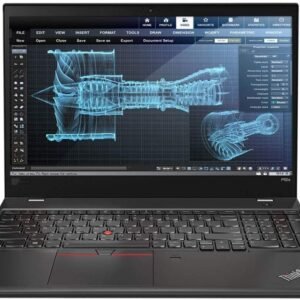
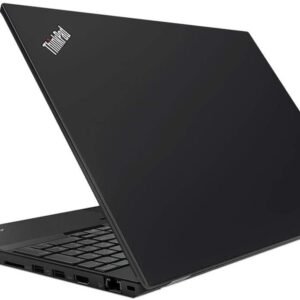
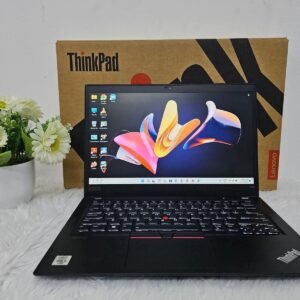
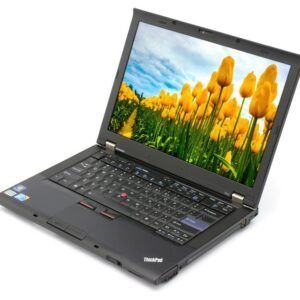
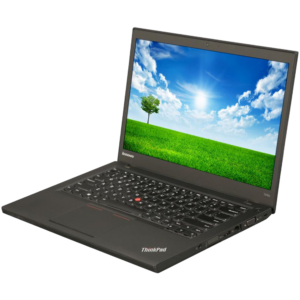
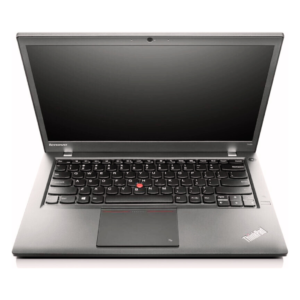
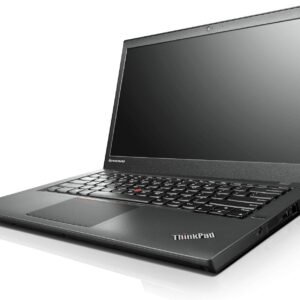
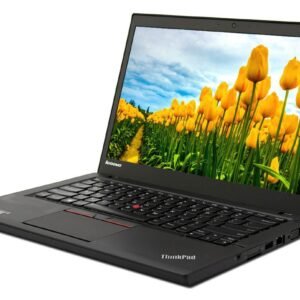
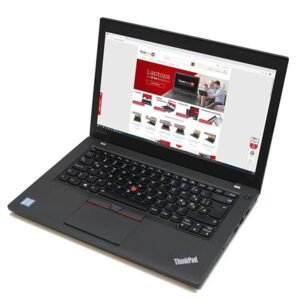
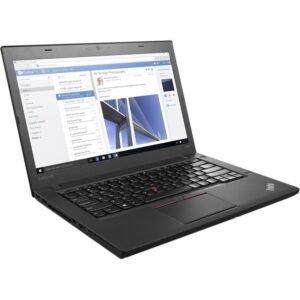
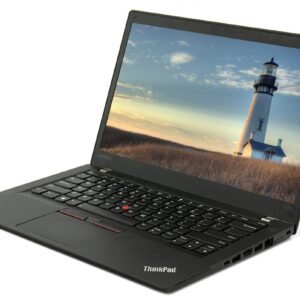
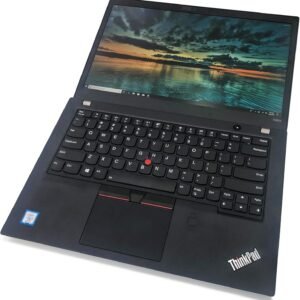
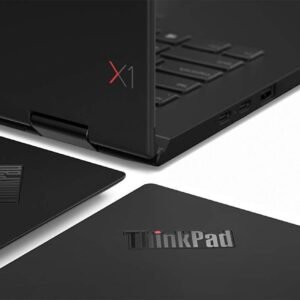
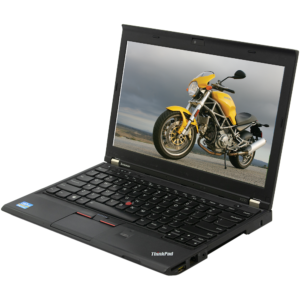
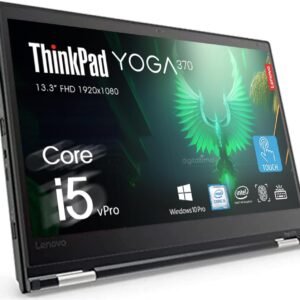
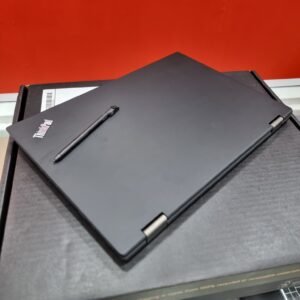
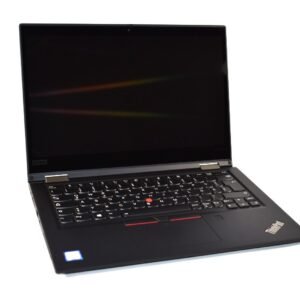
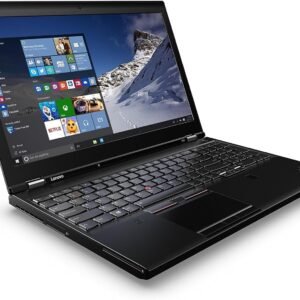
First, there’s the legendary ThinkPad. Instantly recognizable by its classic black design and red TrackPoint nub, this is the gold standard for business. They are built to be incredibly durable and feature what many consider the best keyboards on the market.
In contrast, the Yoga series is all about flexibility. These laptops often have 360-degree hinges. You can fold the screen back and use it like a tablet. This is perfect for artists, presenters, or watching movies in tight spaces.
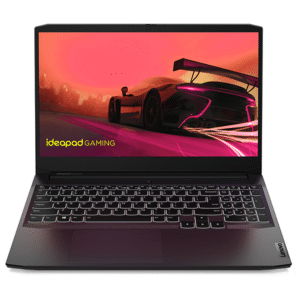
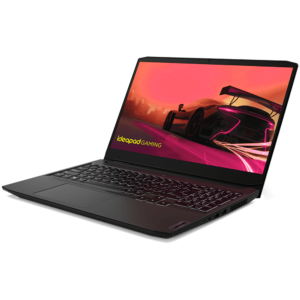
Lastly, the IdeaPad line offers great performance and style for daily use. It is a top choice for students or home users on a budget.
To make it simple, this short guide can help you choose:
- ThinkPad: For business professionals needing ultimate reliability and the best keyboard.
- Yoga: For creatives and anyone who wants the versatility of a 2-in-1 design.
- IdeaPad: For students and home users looking for the best all-around value.
If you’re eyeing a new thinkpad, configurations can include a thinkpad with graphics card for creative work. When comparing ThinkPad laptop prices, especially in the UAE, check regional warranty terms and keyboard layouts. Many listings also label these as لاب توب لينوفو ThinkPad.
Conclusion: Is This Lenovo Laptop Right for You?
So, who is this new Lenovo laptop for? It’s the perfect companion for mobile professionals and ambitious students. It offers a bright screen for work and play. Its battery lasts all day. It is so light, you may forget it is in your bag.
When looking at price, premium models often start around 299 AED in the UAE. Higher-end configurations can cost up to 3,000 AED. For quick research, use search terms like “Lenovo laptop price in UAE” or “Lenovo price in Dubai.”These can show current deals from major retailers.You may also find local pages for “Lenovo laptop Dubai.” As a rule, Lenovo laptop prices scale with CPU and RAM. The Lenovo i5 laptop price in UAE is usually lower than comparable i7 tiers. If a top-tier ThinkPad costs too much, the Lenovo IdeaPad series is a great option. It offers many key benefits at a lower starting price.
With a clearer understanding of OLED, Core Ultra, and other features, you can choose with confidence. You can look at any device and decide if it has the right power and features for your needs.